Cart 0


Samsung Wallet Digital Car Key for Mahindra EVs: The Ultimate Guide to Keyless Driving in India

Mahindra has driven into the future of mobility by becoming the first Indian automaker to integrate the Digital Car Key feature through Samsung Wallet. This landmark collaboration is set to revolutionize the ownership experience for its Electric Origin SUV customers, eliminating the need for a physical car key entirely.
This in-depth guide provides everything you need to know about this new, highly secure, and incredibly convenient feature for your IndiCar-inspired electric SUV.
⚡ What is the Samsung Wallet Digital Car Key?
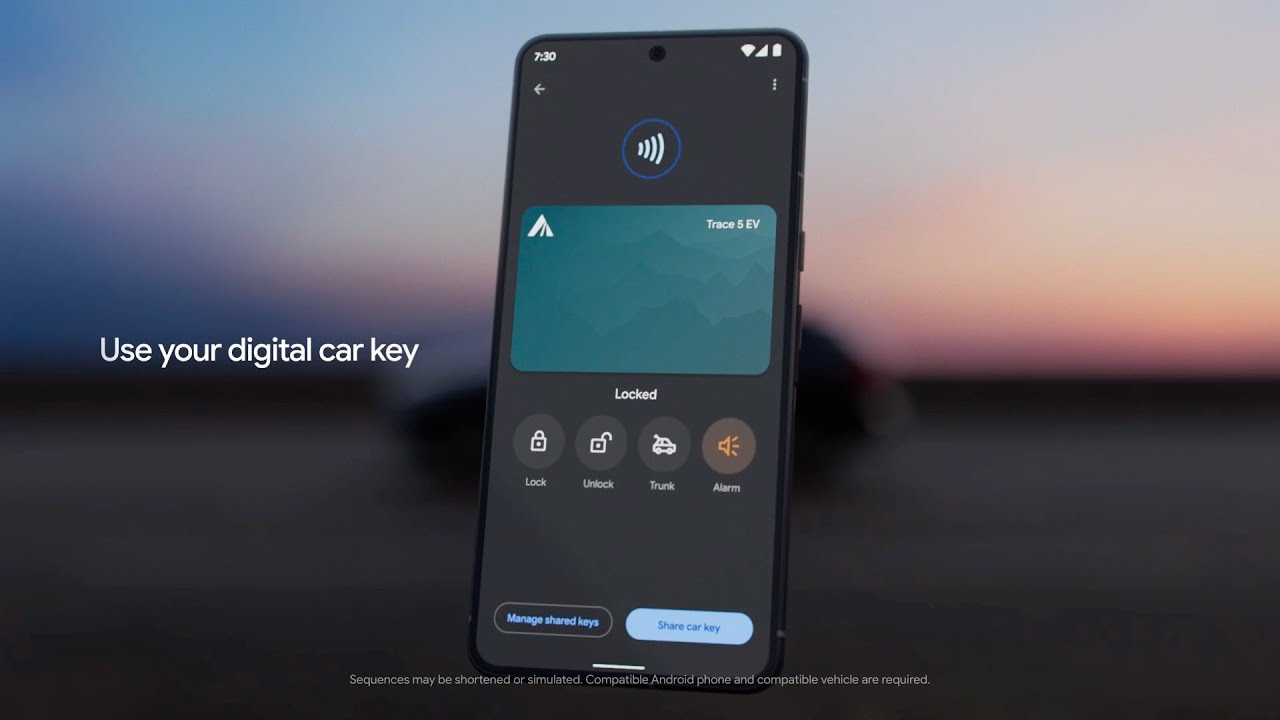
The Digital Car Key is a feature that turns your compatible Samsung Galaxy smartphone into your car key. Integrated directly into the secure Samsung Wallet app, it allows you to lock, unlock, and even start your Mahindra eSUV simply with your phone.
This marks a significant step towards a fully connected vehicle ecosystem in India, building on the convenience Samsung Wallet already offers for payments, IDs, and passes.
Key Features and Benefits for Mahindra Owners
| Feature | Description | Benefit for User |
| Lock, Unlock, and Start | Perform all key functions without the physical key. | Ultimate Convenience: Leave your key fob at home. |
| Key Sharing | Securely grant temporary access to family or friends via the app. | Flexibility: Easy to share car access for shared drives or emergencies. |
| ‘Phone Off’ Functionality | The digital key still works even if your phone’s battery is fully drained (using residual power for NFC). | Zero Anxiety: Uninterrupted access, even in low-battery situations. |
| Defense-Grade Security | Protected by Samsung Knox and requires biometric (fingerprint/face) or PIN authentication. | Maximum Security: Prevents unauthorized access and protects your data. |
| Remote Management | Use the Samsung Find service to remotely lock the device or wipe the key if the phone is lost/stolen. | Peace of Mind: Total control over vehicle access in case of loss. |
Which Mahindra Electric SUVs are Supported?
The Digital Car Key feature is initially rolling out for Mahindra’s premium Electric Origin SUVs.
| Mahindra eSUV Model | Status |
| Mahindra XEV 9e | Supported (Rollout starting soon) |
| Mahindra BE 6 | Supported (Rollout starting soon) |
| Other Mahindra EVs | Discussions are underway for inclusion in the future. |
Note for Existing Owners: For existing Mahindra eSUV owners, the feature will be available through a phased rollout that requires a software update at a Mahindra service center. New eSUVs with the feature pre-installed are expected to be available from November onwards.
Engine Options and Performance
Under the hood, the Hyundai Exter is powered by a 1.2-litre petrol engine that has proven its mettle in the Grand i10 Nios. This engine delivers a power output of 82 bhp and a torque of 113 Nm. The Exter offers both manual and automatic transmission options, providing a seamless driving experience to its customers.
Supported Samsung Galaxy Devices
The Digital Car Key utilizes Near Field Communication (NFC) and Ultra-Wideband (UWB) technologies for secure and seamless connectivity.
The feature is compatible with a wide range of devices:
- Flagship Models: Galaxy Z Series and S Series devices launched after 2020 that support NFC and UWB (e.g., Galaxy S25, S24, S23, Z Fold/Flip series).
- Older Models: Select older Galaxy devices from the past five years, including Note and S series models with NFC, are also compatible.
- Future Expansion: Samsung is planning to make the feature available on select Galaxy A Series devices as well.
🛠️ How Does the Digital Key Work? (Setup and Usage)
The integration simplifies the key management process by consolidating it within the highly secure Samsung Wallet.
1. Initial Setup:
- Get the Update: Ensure your Mahindra eSUV has the required software update installed (via the service center).
- Pairing: Open the Samsung Wallet app on your compatible Galaxy phone.
- Follow Prompts: Follow the on-screen instructions on both the car’s infotainment system and your Samsung Wallet to pair the digital key. You will need the physical car key present during this process.
2. Daily Usage:
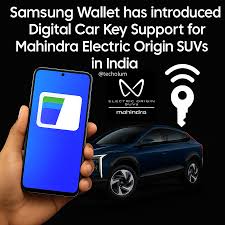
- Locking/Unlocking: Simply tap the door handle area of the car with your phone, and the NFC chip in your phone—even in a dead battery state—will communicate with the vehicle to lock or unlock it.
- Starting the Car: Place your Galaxy phone on the car’s wireless charging pad/designated spot, and the vehicle will authenticate the digital key, allowing you to press the start button.